


Overview
Course Description
Navisworks is a project review tool from Autodesk used in the AEC industry. The Autodesk Navisworks training helps learners to gain knowledge and skills in detecting clashes, simulating schedules, combining models, reviewing designs, and improving coordination in BIM workflows with Navisworks. You can manage and coordinate projects with confidence with the Navisworks certification course.
What will you learn?
- Gain expertise in exploring and navigating 3D models and 4D simulations using Navisworks
- Master your skills in minimizing errors and coordinating workflows
- Acquire knowledge in clash detection to identify and resolve issues at an early stage
- Attain efficiency in project management and project presentation
10 + Years of Training Excellence
4.4 ★

4.5 ★

4.5 ★

Navisworks Software Course Syllabus
Navisworks software course syllabus includes the following:
Introduction
 Have an overview of the software, its role in BIM, its importance in construction workflows, and its features
- Understand the software's user interface and workspace. Know the files supported and the basics of model integration
- Study the various types of Navisworks platforms, including Navisworks Manage, Navisworks Simulate, and Navisworks Freedom, and their differences
- Learn about setting units, configuration, and file management.
Module 2: Navigation Tools
- Understand the usage of navigation bar tools such as orbit, walk, and fly. Find out how to use Pan, Zoom, and Orbit tools.
- Learn about Steering Wheel navigation tools and ViewCube controls. Learn about using sectioning tools
- Study the selection of the right navigation techniques, navigation shortcuts, and productivity tools
- Know how to measure and review models while navigating the software. Understand the Switchback features.
- Practical sessions in navigation
Module 3: Selecting, Controlling, and Reviewing Objects
- Become familiar with the different types of object selection methods, including single, multiple, and search-based object selection
- Study the hiding, unhiding, and isolating objects. Find out how to control visibility and display settings
- Learn about using the properties panel to review object data and inspecting model components
- Understand the review of object attributes and the review of objects for coordination.
- Know the grouping and organization of elements, the management of layers, and the modeling of structures
Module 4: Viewpoints
- Have an overview of what Viewpoints are in Navisworks. Learn about the creation and saving of viewpoints and managing the saved ones.
- Study the camera positions, section views, and viewpoint adjustments. Know the annotation of viewpoints with comments and the addition of tags.
- Find out how to create walkthroughs, organize viewpoints using folders, and apply sectioning.
- Learn how to export and share viewpoints. Understanding the review of the viewpoints for clash detection and tracking issues.
- Practical training in working with viewpoints
Module 5: Sections and Animations
- Have an overview of the sectioning tools in Navisworks. Learn about the creation and modification of section planes
- Study the usage section boxes for model inspection, dynamic sectioning, and reviewing of hidden components.
- Understand the creation of camera path and animation control. Know the animation of model movements and the interaction of objects.
- Find out how to export and share animations. Learn how to create object-based animations and how to use keyframes
- Practical sessions in the application of transformations, creation of animations, etc.
Module 6: Timeliner
- Have an overview of Timeliner in Navisworks, 4D simulation, and construction sequencing. Find out how to manage and create Timeliner tasks
- Learn about importing project schedules from other software tools and the linking of model elements to schedule tasks
- Study how to create construction sequence simulations and visualize project progress. Know about clash analysis with construction sequencing
- Understand how to create Timeliner reports, update schedules, and plan 4D using Timeliner.
- Practical training
Module 7: Clash Detection
- Understand the various types of clashes, including hard clashes, soft clashes, and clearance clashes.
- Learn about the setting of clash tests and rules, running clash detection between multiple models, and reviewing clash test results
- Study clash grouping and sorting. Understand the creation of viewpoints for clash review, clash resolution, and coordination of workflows
- Find out how to manage clash reports, how to use search sets for clash tests, and generate clash test reports and documents.
- Hands-on training
Module 8: Rendering
- Have an overview of rendering in Navisworks and rendering concepts. Understand how to apply materials and textures to models. Learn about light settings and scene enhancement.
- Study the creation of realistic model presentations and the adjustment of backgrounds and shadows
- Learn about setting up the camera for render views and the generation of high-quality images.
- Become familiar with rendering for walkthroughs and presentations
- Practical training
The Importance of Navisworks Course in Saudi Arabia’s Growing Infrastructure
The Saudi Arabia 2030 project aims to diversify the country’s economy. Driven by the project, the construction industry in Saudi Arabia is undergoing a big leap with huge projects. These projects require certified professionals who have completed Navisworks training in Saudi Arabia and can detect clashes, simulate 4D, minimize errors, and reduce rework. So, the Navisworks course in Riyadh is gaining importance.
Industry Demand for Skilled Autodesk Navisworks Training
The demand for professionals with Navisworks training in Riyadh is growing rapidly because the construction industry is adopting BIM-driven technology. Moreover, large projects and high-rise structures rely on Navisworks for clash detection, 4D simulation, and execution of projects on time. So, there is a huge demand for the Navisworks course in Saudi Arabia.
Navisworks Certification Training Outcome
After completing Autodesk Navisworks training, the participants will
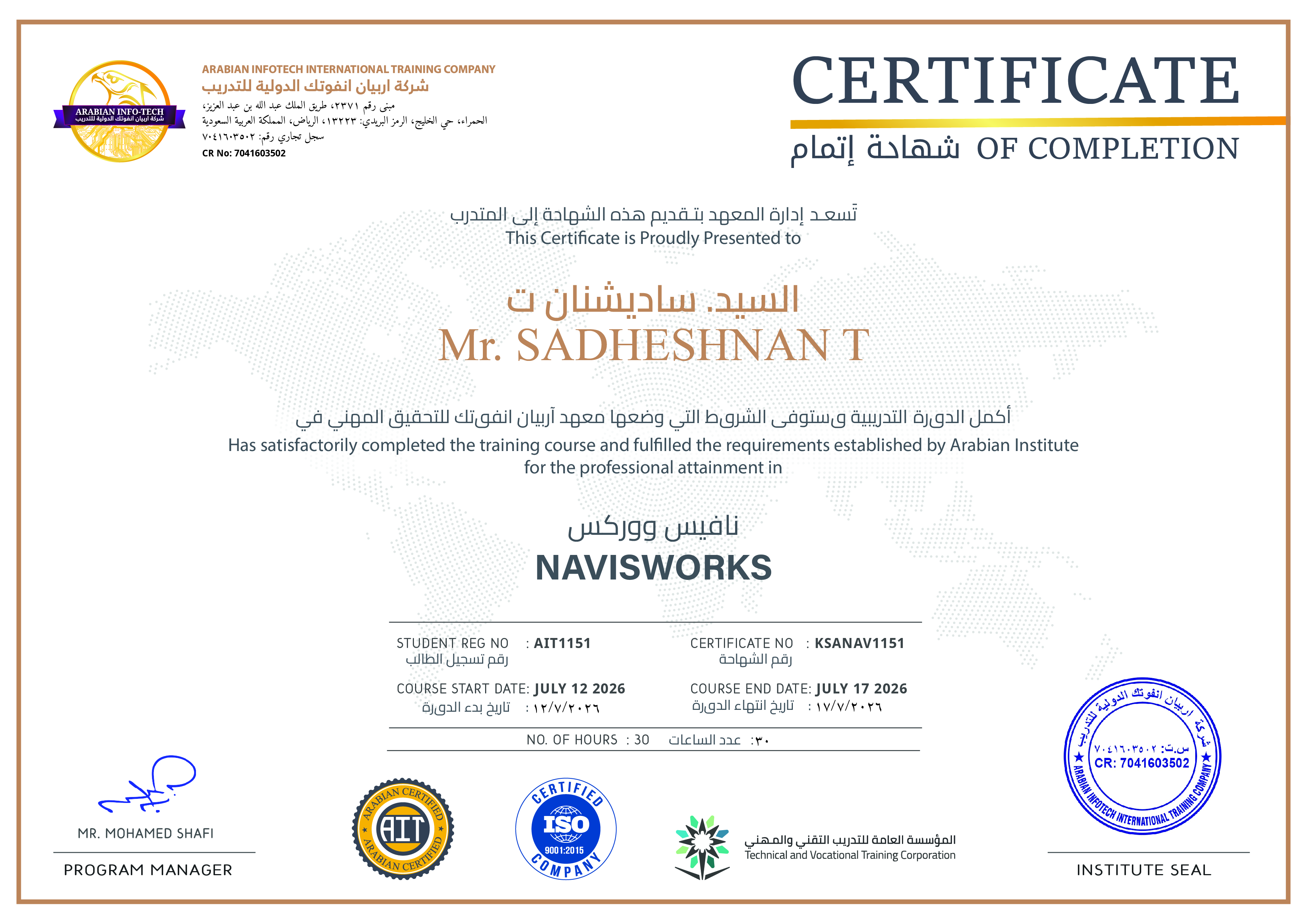
- Become proficient in the use of Autodesk Navisworks tools
- Gain expertise in project coordination with the software
- Master the skills in the creation of selection and search sets
- Become experts in viewpoints, animations, model inspection, object review, walkthroughs, and sections
- Acquire knowledge in 4D simulation using TimeLiner
- Develop skills in construction sequencing and coordination review
- Create reports and project documents
Career Benefits After Completing the Navisworks Training Course in Saudi Arabia
The Navisworks training classes provide a wide range of career opportunities in construction, MEP, architecture, oil, and infrastructure sectors. The roles you can pursue after completing the Navisworks certification course include BIM engineer, BIM coordinator, BIM project manager, BIM modeler, project lead, digital construction specialist, and project scheduler. The scope of the increased salary is also high.
Why Choose Arabian Infotech for a Navisworks Course?
Arabian Infotech is a renowned institute specializing in short-term technical courses for professionals who want to upgrade their knowledge. You should choose it for the Autodesk Navisworks Certification course because of the:
- Comprehensive syllabus including theory and hands-on training
- Flexible class schedules, including weekend and online classes to suit working professionals
- Experienced trainers
- Placement training
- Career support.
FAQs
What is the primary focus of the Navisworks course in Saudi Arabia?
The primary focus is on developing skills in clash detection, BIM coordination, 4D simulation, issue tracking, animations, walkthroughs, and viewpoints.
Who can benefit from enrolling in the Navisworks training program?
The program is beneficial for BIM professionals, construction project managers, civil engineers, MEP engineers, site engineers, structural engineers, students, and fresh graduates.
What are the prerequisites for attending the Navisworks course?
There are no strict prerequisites as the course covers everything from basic. However, a basic knowledge of BIM concepts will be helpful.
What software skills are needed before learning Navisworks?
Advanced software skills are not needed. However, basic knowledge about AutoCAD, Revit, and 3D navigation tools will significantly help the trainees.
Are Navisworks jobs increasing due to Vision 2030 projects?
Yes, Navisworks jobs are increasing because of the Vision 2030 mega projects. The mega projects require BIM coordination, clash detection skills, and 4D planning skills.
Related Courses

Learn how to design and manage construction projects efficiently and precisely.

Are you tired of making corrections and reworking your designs?

The BIM Program from Arabian Infotech is designed to take your career to the next level.
Student Reviews

Sajia
Professional Course
“I loved the course, especially the hands-on training. Being a fresher, it helped me to understand the practical concepts clearly. The trainers were excellent. “

Rahman
Professional Course
“A highly recommended course for BIM professionals who want to take their career to the next level and gain an edge over others.“

Salman
Professional Course
“The Navisworks Manage covered everything I wanted to learn about clash detection and 4D simulation. The faculty explained the complex topics easily. “

Courses parameters
 Instrutor: ArabianInfo Tech
 Duration: 8 weeks
 Frequency: Monthly
 Days: Weekend & Weekdays
 Language: English
 Certificate: Yes
Share On :
Ready to Become a
Certified MEP Engineer?
Don't miss out on this opportunity
for 100% practical training.
 Download Brochure
_
Post A comment